Deep Prompting
Build Your Craft
Into Every Prompt.
A deep prompter is a custom Claude Skill built around the knowledge that shapes a good image: cinematography, storytelling and the requirements of the model. Give it a simple idea, and it develops that idea into a complete prompt with shot design, camera language, beats and timing, ready to run.
Its value is control. Your decisions about story, lensing, movement, pacing and continuity become part of a reusable system that you can inspect, edit and refine. The Skill changes when you change it, allowing your process to become more precise and consistent over time while remaining in your hands.
In this workshop, David builds two working deep prompters: one for image prompts across Midjourney, Nano Banana and ChatGPT, and one designed for Seedance video. You'll also learn the method for building and adapting new Skills as models and workflows evolve.
What You'll Learn to Build
Working Skills.
A Repeatable System.
Learn to build practical creative tools with Claude, from setup through professional production workflows.
Your Own Working Claude Skills
Get Claude Code running and learn how to create practical tools for research, video, and creative production. Follow the process of building Skills you can adapt to your own work.
A Universal Image Deep Prompter
Develop a rough concept into a detailed image prompt shaped by cinematography and visual storytelling. Learn an approach that works across image models, including Nano Banana, Midjourney, and ChatGPT image generation.
A Deep Prompter for Seedance Video
Turn a simple idea into a structured multi-shot video prompt, with detailed shots, actions, and timed beats. Learn how to incorporate reference images and maintain creative consistency.
A Toolkit for Creative Production
Explore additional Skills and integrations for ideation, video research, image generation, 3D workflows, and quality control, including Shot Loop for evaluating and improving generated results.
The Method to Keep Going
Every model is different. Learn how to develop, customize, and combine Skills for new tools and workflows as the technology evolves.
What's Included
Four Sessions.
Your Pace.
Everything
You Need.
David Berman taught this workshop live to a sold-out cohort of 12 professional editors and filmmakers at $600 per seat. These are the complete recordings from those four sessions.
You'll get the recordings, time-coded notes, and session summaries.
$200. One-time purchase. 12 months of access. The live workshop was $600. Watch at your own pace.
From the Workshop
What Students
Had to Say.
"This course was career changing, even life changing. I'm already billing from what I learned in the course."
"The course completely changed how I work. Claude helps you become the director, no longer the technician."
"Incredibly valuable, and I'd absolutely sign up for Part Two. The MCP connection into Blender and Magnific feels like a massive unlock."
"David's commitment to the craft of teaching and his knowledge — the value of that alone far outweighed the cost."
"I'm really glad I took the class. I'm using Claude for almost everything now, both personally and professionally."
"Seeing how a skill gets built showed me the same process builds apps and workflows. I'd never used Claude Code before the week of class one. Now I'm integrating it with Magnific and building automations for all different aspects of my life."
From David's Workflow
The Craft
Behind the
System.
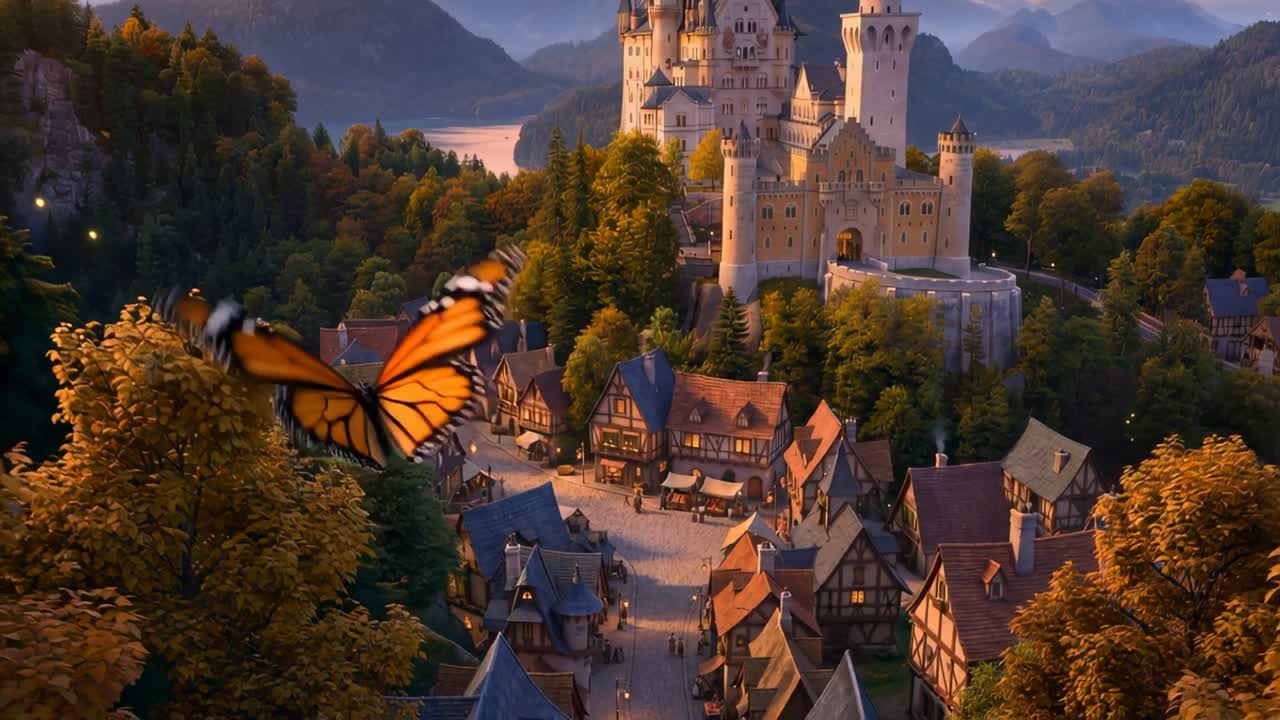
David works with Claude as a creative partner, from concept through generation. These frames from his portfolio reflect the filmmaking judgment behind the Skills and workflows this workshop teaches you to build.



Your Instructor
David
Berman
AI Artist at Wieden+Kennedy · Director · DP
If you've spent any time in Future Film, you already know David. He's one of this community's biggest contributors and a leader in the room: a fixture of the Tuesday sessions, a frequent host of the after-party, and the person our members go to with their hardest AI questions.
David's career reads like preparation for this exact moment. Long before AI pulled technology and filmmaking together, he had gone deep in both: a decade consulting on enterprise systems for IBM, Lockheed Martin, PricewaterhouseCoopers and J.P. Morgan, then twenty years in production, seventeen of them as a union DIT, working with the biggest brands, agencies and studios on LED volumes, high-speed cameras, motion control and motion capture. And he has spent years teaching, which is its own craft: breaking down difficult concepts, making unfamiliar tools approachable, and helping people actually use what they learn. That combination of technical depth, filmmaking experience and teaching ability is rare. It's why David has become such a trusted voice in Future Film and the broader AI film community.
Today he's an AI artist at Wieden+Kennedy on major national campaigns, and the agency's Google Gemini tech liaison: a role that exists because Google required someone on staff who understood its entire AI suite. When W+K went looking for that person, they hired David. He was early to generative filmmaking, has become a go-to voice in the space, and coaches creative directors and speaks at agencies on exactly the ground this workshop covers. In his own words: AI is just the newest tool in his kit.
- AI artist at Wieden+Kennedy on major national campaigns, and the agency's Google Gemini tech liaison
- Featured in TheWrap on AI, copyright and production
- Seventeen years as a union DIT on sets with directors from Darren Aronofsky to Peter Farrelly, and on series including Manifest and HBO's Vinyl
- A decade consulting on enterprise technology for IBM, Lockheed Martin, PricewaterhouseCoopers and J.P. Morgan
- Five years directing at the Upright Citizens Brigade Theatre alongside Ed Helms, Paul Scheer and Rob Huebel, so he knows how to hold a room and keep it fun
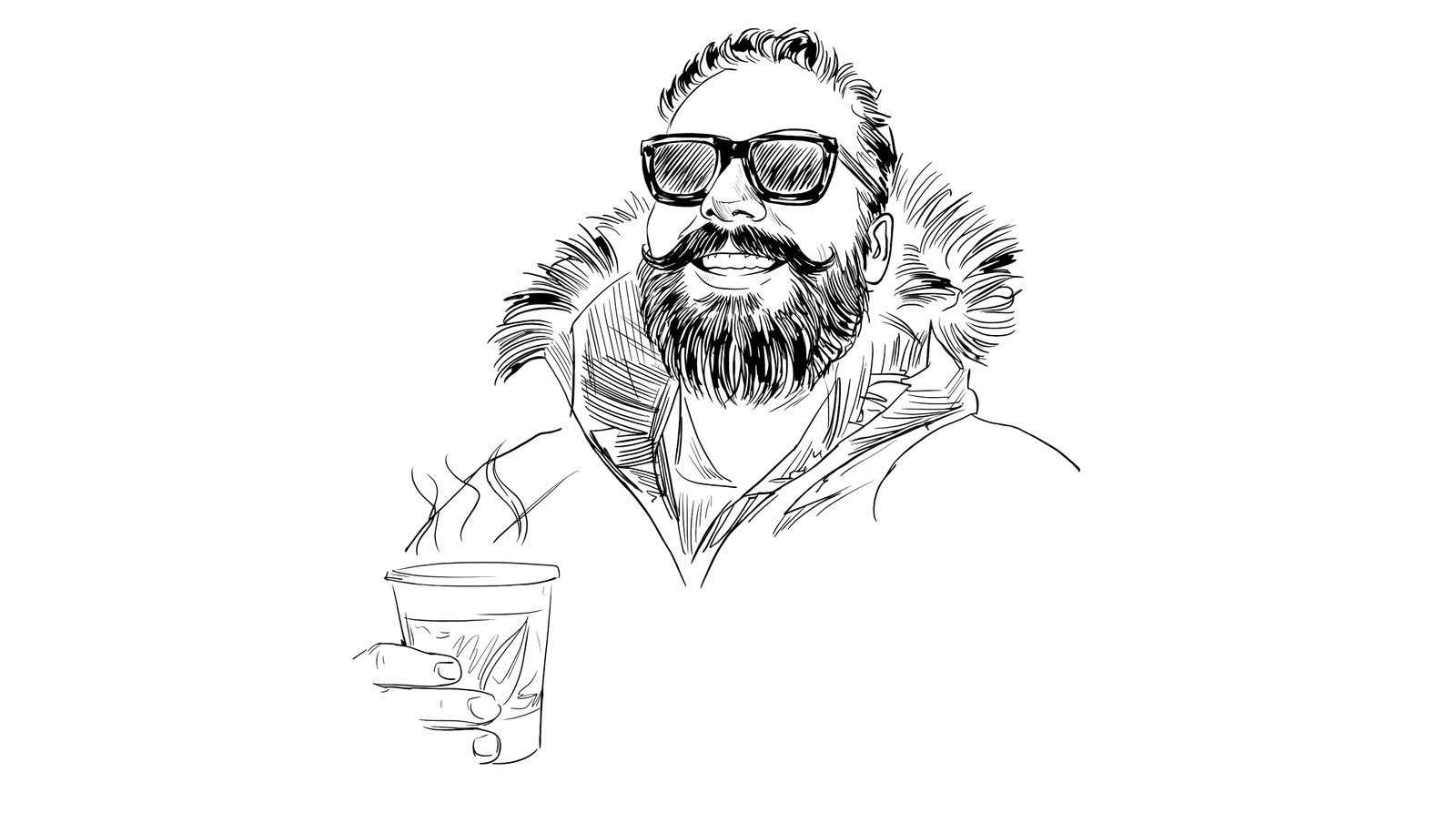
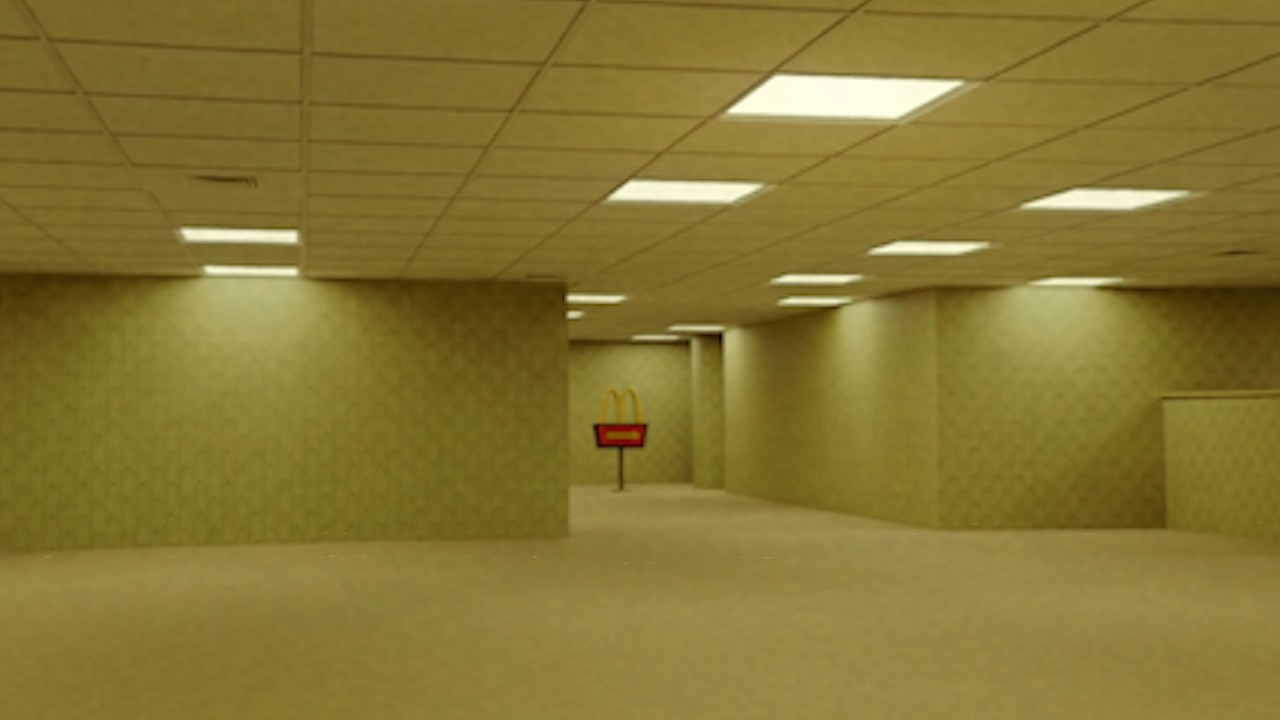
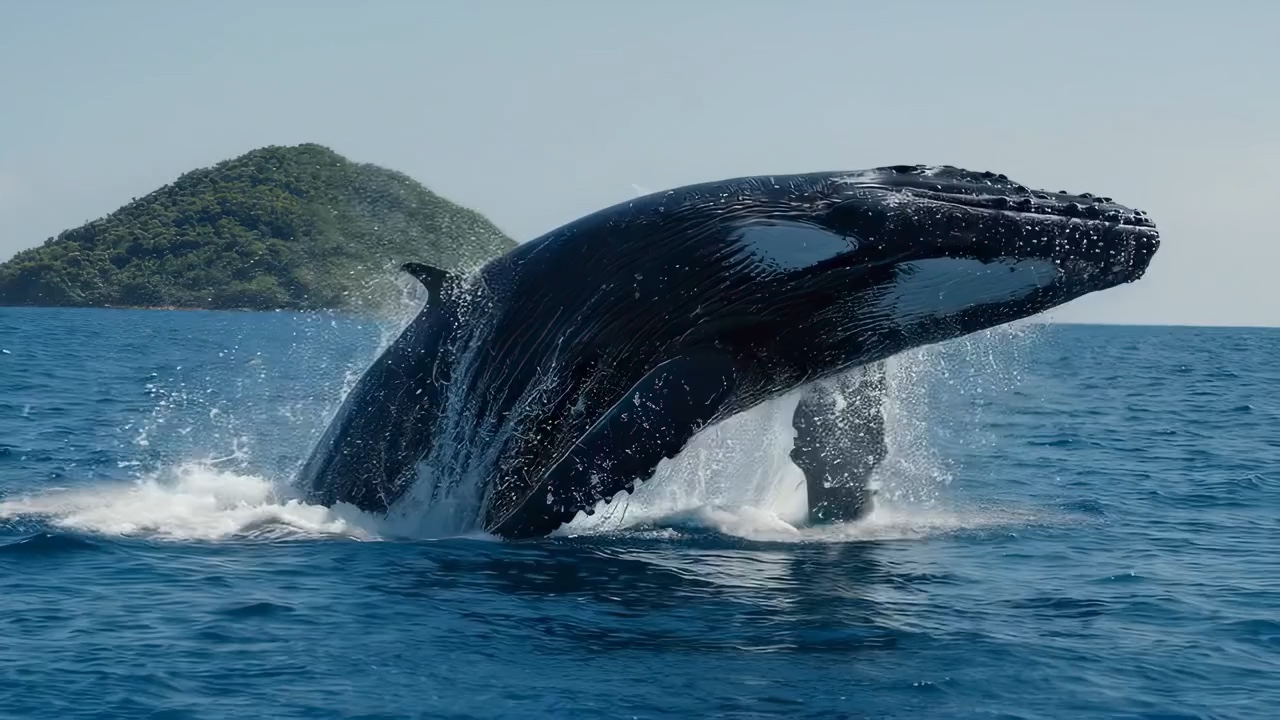
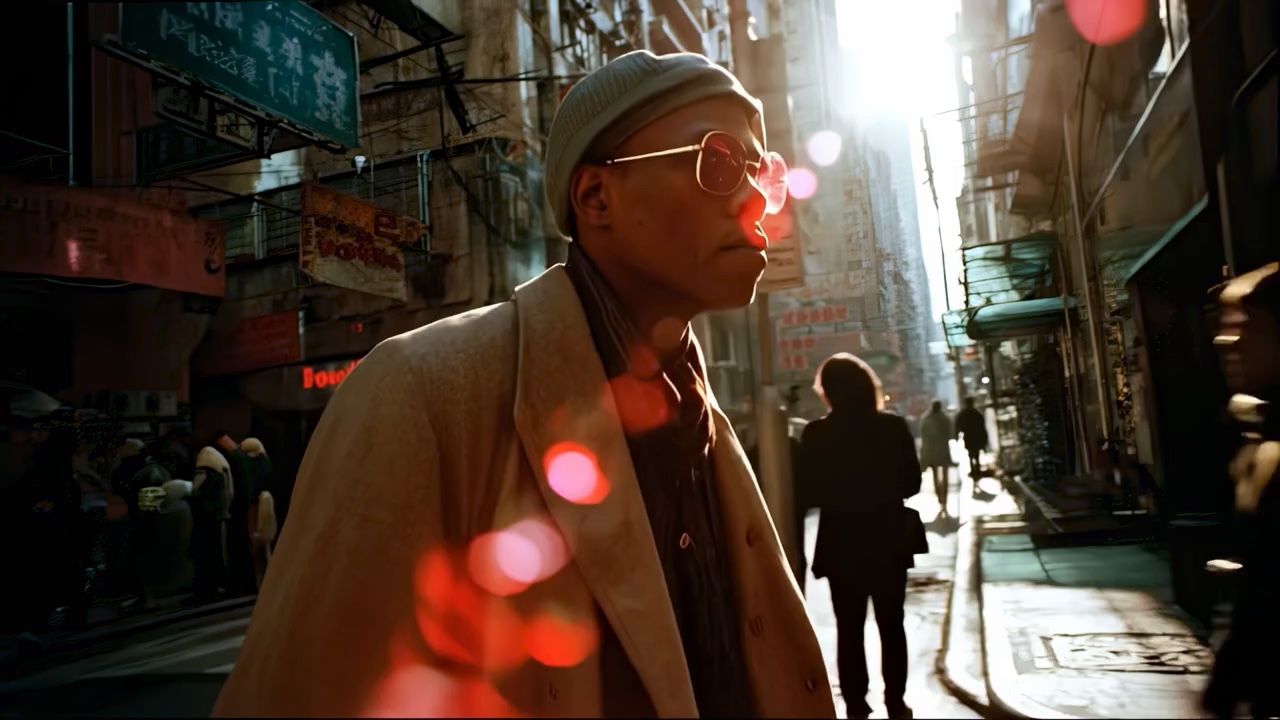
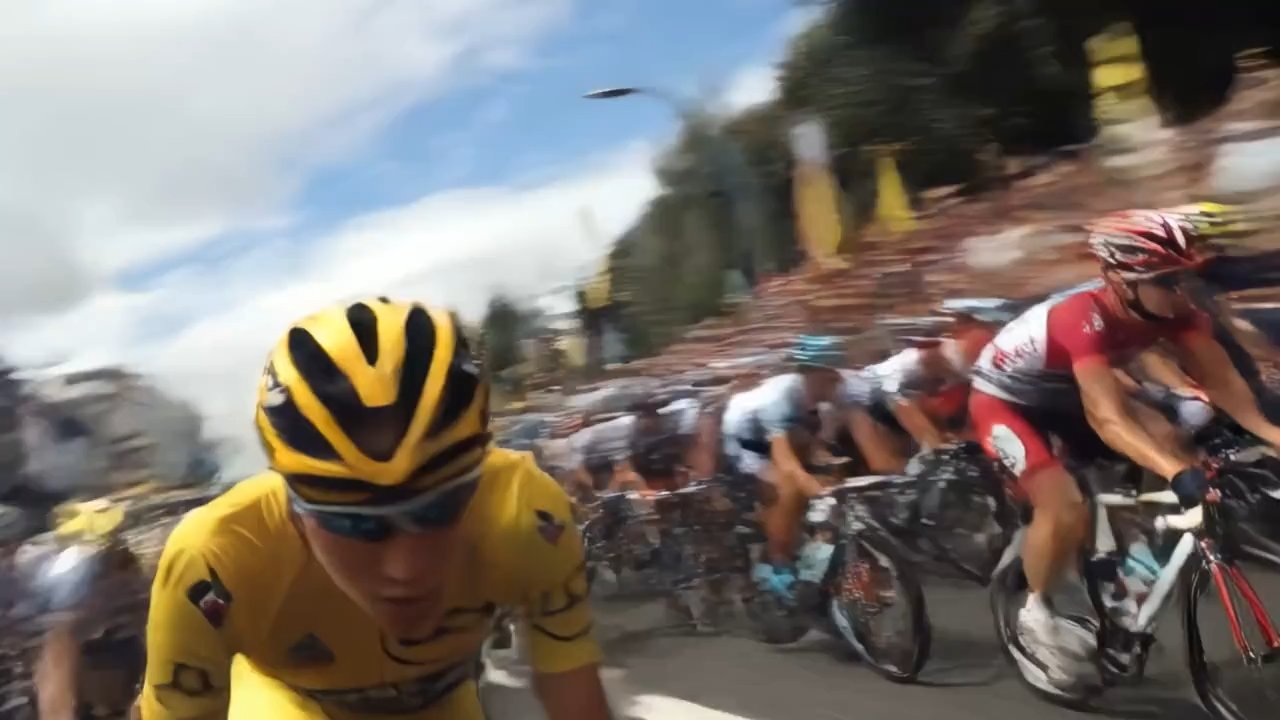
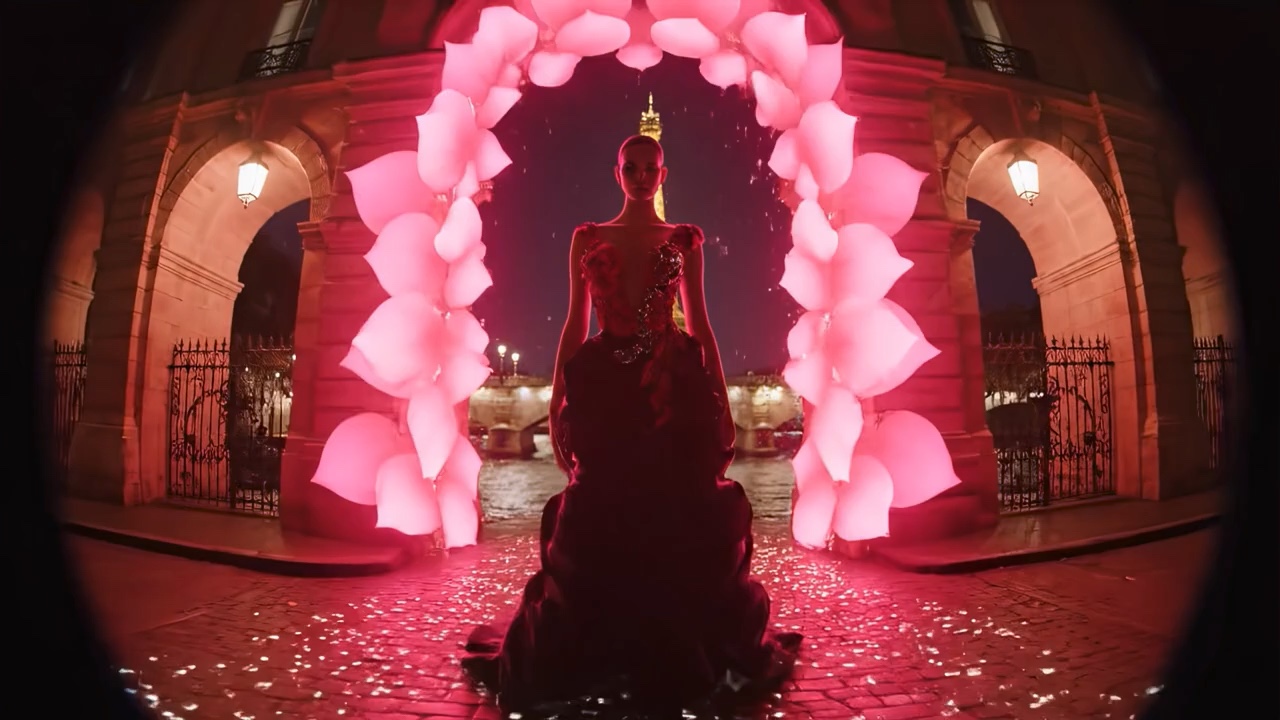
Frames from David's 2026 reel.
Why This Matters Now
Your Experience
Is the Advantage.
Creative leverage comes from turning taste, judgment and production knowledge into systems you can use and refine.
A prompt gets you one image. A Skill gets you a repeatable way of working: your taste, your standards and your cinematography knowledge, encoded into a tool you can use and refine.
What makes editors and filmmakers uniquely positioned for this is everything they already know. Story instinct, pacing, coverage, continuity. Claude turns that knowledge into leverage. This workshop teaches you how.
And because you build the Skills yourself, you leave with more than tools. You leave knowing how to make the next one.
Curriculum
Four
Sessions.
Working
Skills.
Schedule
Four sessions · 2+ hours each
David walks through getting Claude Code installed and configured properly: terminal, permissions, file structure, and the pieces that stop most people before they start. You'll learn how the setup works by building your first practical Skills, including tools for security, research, and working with video. By the end, you'll have a working environment and an understanding of how to keep building on it.
Learn how to organize your work with Claude, manage settings and usage, and start building a repeatable creative system. Install and use a collection of practical tools, including the Magnific connector, Grabber, Ideate, and the Universal Image Deep Prompter. See how cinematography and visual storytelling knowledge can be built into reusable Skills, and follow the development of a character using Claude and Magnific.
Apply the deep prompting approach to video using Seedance 2.5. Learn how to structure shots, actions, and timed beats using YAML, and how reference images and character sheets can guide multi-shot generation. Follow the creation of a 30-second character video, explore ways to manage usage costs, and learn how to customize Skills for different creative workflows.
Bring the tools and techniques together into a professional creative workflow, from client brief to delivery. Explore connections to DaVinci Resolve, sound and 3D tools, and ways to manage Claude's context and usage. Build on the prompting techniques from earlier sessions with Shot Loop, a Skill for evaluating and improving generated results. See how these tools can work together across a larger production process.
Who This Is For
Professional Editors
and Filmmakers.
This is an intermediate workshop. You don't need to be an expert, and you don't need any programming background. You should have some hands-on experience with AI image or video tools, things like Midjourney, Magnific or Seedance, and be ready to build a stronger system around the work you're already doing. Brand new to generative tools? Join our free Future Film community. We have tons of resources, and workshops for all levels coming soon.
- You've made things with AI image or video tools and want more control, consistency, and speed.
- You keep hearing about Claude and agentic workflows and want to actually use them.
- You learn by doing and want real demonstrations, practical projects, and working tools at the end.
- No programming background needed. If you can learn an edit suite, you can learn this.
What You'll Need
- A Claude Pro plan, $20/month minimum. Everyone's usage is different, and this is a working workshop, so plan for real usage.
- A Magnific subscription. It's what we'll generate with during the sessions, though the Skills you build work across other image models too.
- A Mac or Windows computer that supports Claude Code and allows you to install software.
Workshop Details
The Essentials
Workshop
4 Sessions
2+ hours each
Access
12 Months
Start anytime
Price
$200
The live workshop was $600
One-time purchase · 12 months of access
What's Included
- Four complete workshop recordings
- Time-coded notes and session summaries for every session
- Access to this workshop's private Discord channel
- You will receive access to the workshop recordings and materials within 1 business day
Future Film
A Professional
Creative
Network.
Future Film is an ongoing community of editors, filmmakers, and AI artists exploring emerging storytelling and production workflows together, live, every Tuesday night. Workshop students become part of that community and stay connected to a network of people doing the same work.
Visit futurefilm.club ↗Questions
FAQ.
No. If you've never opened a terminal, Session 1 covers exactly that. No programming background is required or expected.
You'll receive the recordings, time-coded notes, session summaries, and access to this workshop's private Discord channel. You'll have 12 months of access from the date of purchase.
We may run this workshop again with a new live cohort. Join the waitlist to be the first to know.